Grok Video Generator
جار التحميل...
Grok Video Generator
جار التحميل...
استخدم صورة موجودة كنقطة انطلاق، ثم غيّر الأسلوب والإضاءة والخامات والمزاج أو الاتجاه البصري عبر الوصف النصي. يفيد ذلك في التعديلات، والاستكشاف الإبداعي، وتنويعات المنتجات، وتطوير الأفكار بسرعة.
 Sora
Sora Veo
Veo Wan
Wan Seedance
 Nano Banana
 GPT Image
 Seedream
 Kling
Kling Luma
Luma Runway
 Midjourney
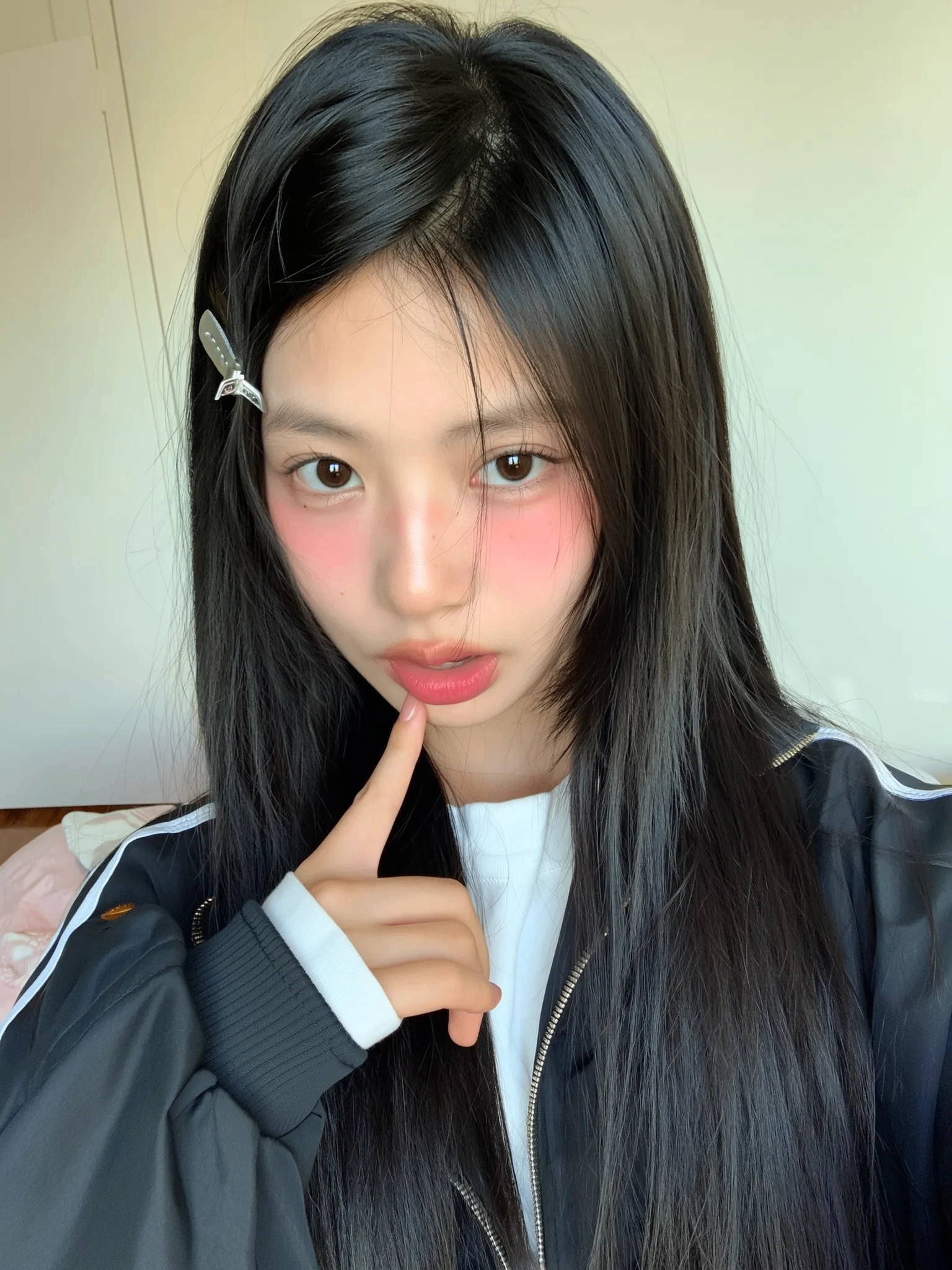
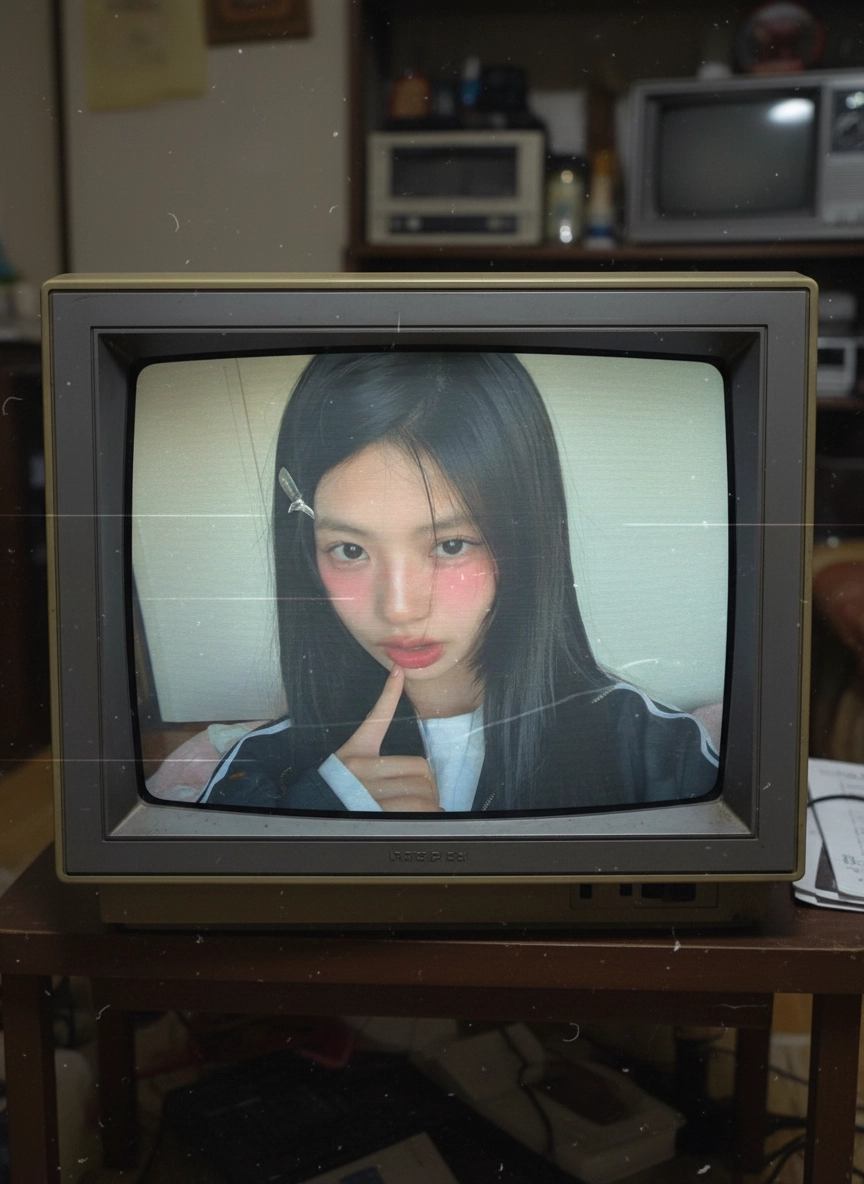
قارن بين الصورة الأصلية والنتائج المحوّلة لفهم كيف يغيّر الوصف النصي الأجواء والخامات ومعالجة الألوان والأسلوب العام.

"أعد تصميم هذه الصورة الشخصية كصورة تحريرية كئيبة من التسعينيات مع تباين أكثر نعومة، ودرجات ألوان أكثر برودة، وحبيبات فيلم دقيقة، ونظرة تبتعد قليلاً عن الكاميرا مع الحفاظ على الوضعية والإطار."

Start from an existing photo or illustration, describe the visual change you want, and generate multiple image-to-image variations until the result fits the brief.
Choose a clear image with a strong subject or composition. Image to image works best when the source already contains the structure you want to preserve.
Specify what should change, such as style, lighting, materials, color palette, or mood. If something should stay consistent, mention that directly in the prompt.
Create several outputs, compare how strongly each one follows the prompt, and adjust the wording until the balance between preservation and transformation feels right.

Use one approved image as the base for multiple style routes, campaign looks, and concept variations before committing to manual production work.

تحويل الصور
ارفع صورة، صف التعديل الذي تريده، وأنشئ نسخة جديدة من دون إعادة بناء التكوين من الصفر.