Grok Video Generator
Loading...
Grok Video Generator
Loading...
Image to Image
Upload an image, describe the change, and generate a new version without rebuilding the composition from scratch.
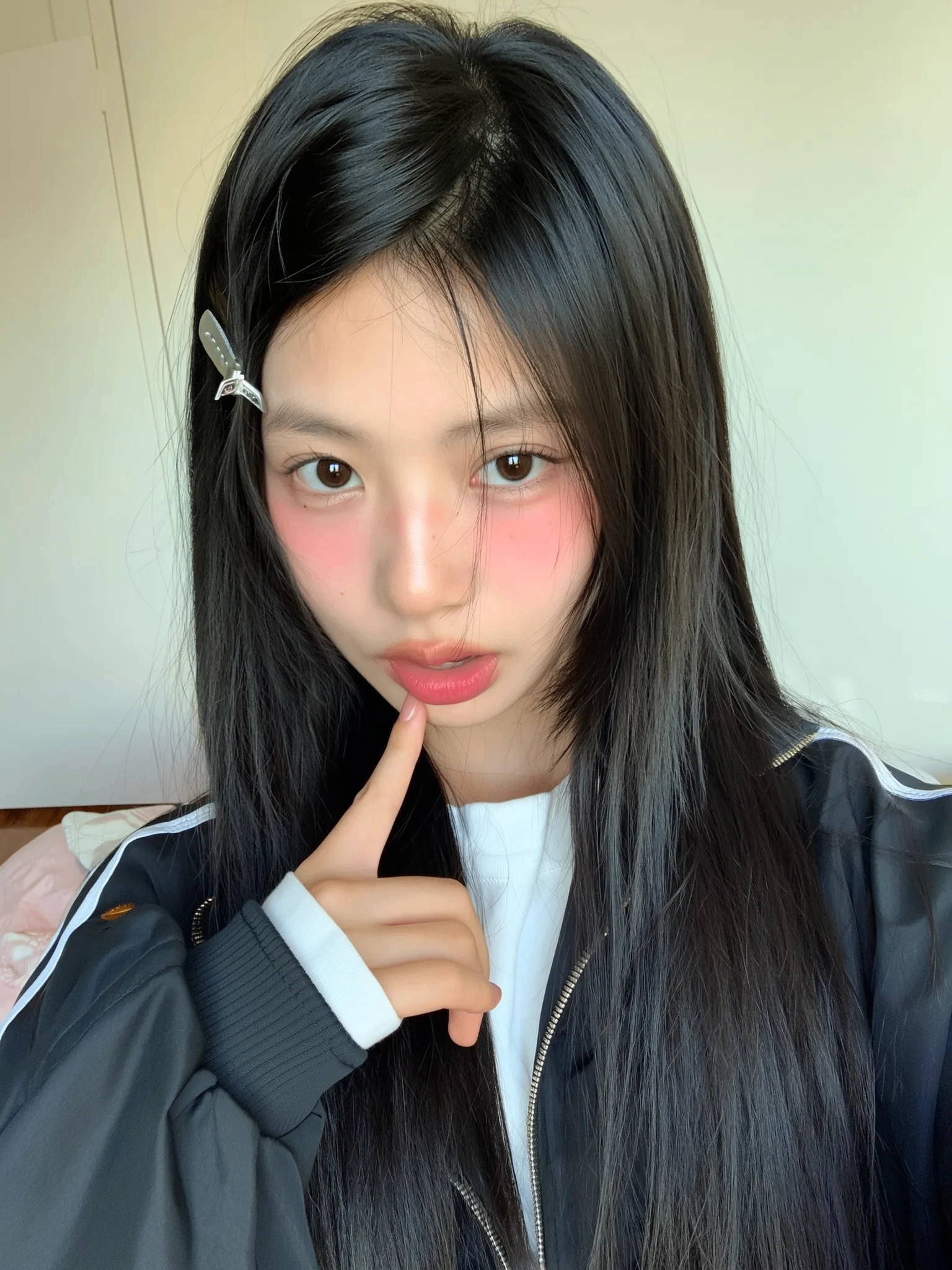
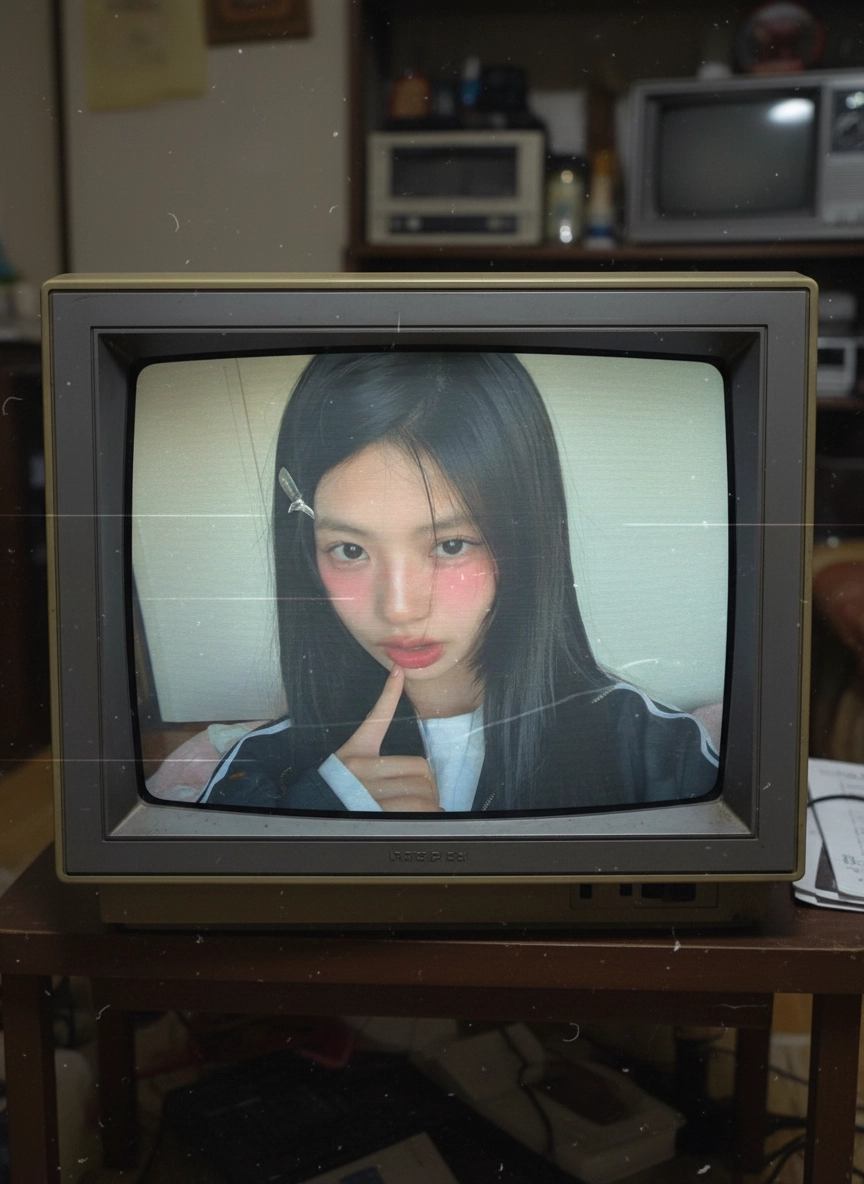
Use an existing image as the base, then change style, lighting, texture, mood, or visual direction with prompt-based transformation. It is useful for edits, creative exploration, product variations, and faster concept development.
 Sora
Sora Veo
Veo Wan
Wan Seedance
 Nano Banana
 GPT Image
 Seedream
 Kling
Kling Luma
Luma Runway
 Midjourney
Compare source images with transformed results to understand how prompt wording changes atmosphere, material detail, color treatment, and overall style.

"Restyle this portrait as a moody 1990s editorial photo with softer contrast, cooler tones, subtle film grain, and a slightly off-camera gaze while keeping the pose and framing intact."

Start from an existing photo or illustration, describe the visual change you want, and generate multiple image-to-image variations until the result fits the brief.
Choose a clear image with a strong subject or composition. Image to image works best when the source already contains the structure you want to preserve.
Specify what should change, such as style, lighting, materials, color palette, or mood. If something should stay consistent, mention that directly in the prompt.
Create several outputs, compare how strongly each one follows the prompt, and adjust the wording until the balance between preservation and transformation feels right.

Use one approved image as the base for multiple style routes, campaign looks, and concept variations before committing to manual production work.