Grok Video Generator
Loading...
Grok Video Generator
Loading...
Reference to Video
Reference to Video
Upload reference images or clips, describe the motion you want, and generate AI videos with stronger visual consistency.
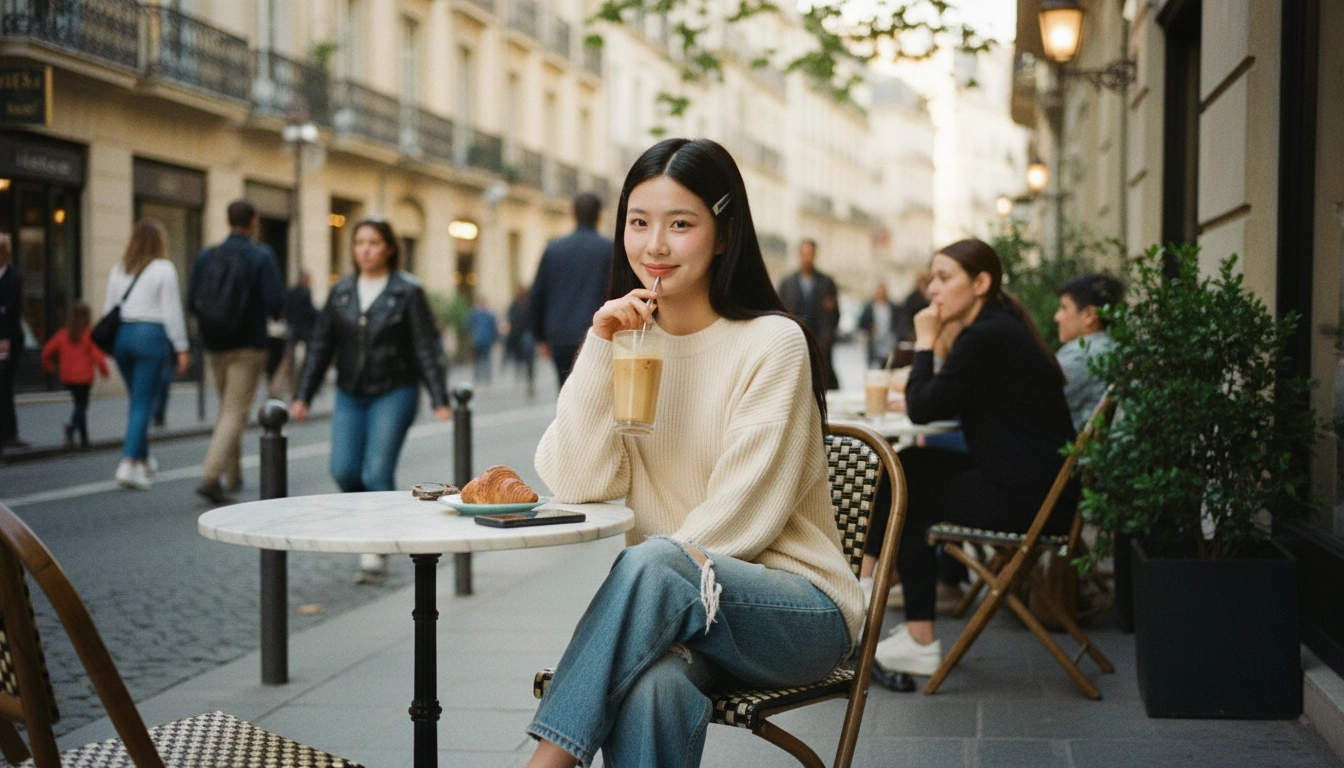
An AI reference to video generator turns reference images or clips into controllable motion. Depending on the model, you can use 1 to 3 reference images or up to 3 reference video clips. Some models lock reference mode to specific duration or aspect ratio settings, while others offer more flexibility for audio, timing, and output format.
 Sora
Sora Veo
Veo Wan
Wan Seedance
 Nano Banana
 GPT Image
 Seedream
 Kling
Kling Luma
Luma Runway
 Midjourney
A reference-guided AI video workflow gives you more control than text alone. It helps preserve identity, product details, styling, and scene continuity while still letting you test new camera moves, timing, and creative directions.
Use reference images or clips to keep facial structure, hair, wardrobe, and color palette closer to the approved look across multiple shots, variations, and scene setups.
AI reference to video is useful for product videos because packaging, materials, geometry, and brand styling can stay more stable across ads, launch assets, PDP visuals, and social content.
Once the visual anchor is set, you can focus prompts on motion, framing, pacing, and camera behavior instead of rewriting the full appearance of the subject every time.
Test slow push-ins, orbit shots, ambient movement, and different aspect ratios while keeping the same core subject, styling, and scene language.
When a scene includes costumes, props, product details, or a specific art direction, reference-guided generation helps the model stay closer to the intended visual result.
Studios, agencies, and creators use AI reference to video for storyboards, previz, campaign concepts, and branded content where continuity matters more than one-off experiments.
Depending on the model, you can start from still images or short clips, giving you a flexible way to preserve both visual identity and motion intent.
Once a character, product, or scene has an approved reference, teams can iterate faster on new outputs without re-approving the full visual foundation for every test.
Start with strong references, define what should stay consistent, and generate AI video variations with better motion and continuity control.
Choose reference images or short clips that clearly show the subject, product, or scene details you want to preserve. Cleaner references usually lead to stronger consistency and easier motion control.
Describe the identity, styling, composition, product details, or mood that should remain stable first. Then explain the motion, pacing, and camera behavior you want the model to add.
Run multiple versions to compare continuity, realism, and motion quality. Refine the references, prompt, aspect ratio, or duration until the result matches your creative direction.

Use product references to generate motion while keeping materials, silhouette, packaging, and branding aligned across launch assets, paid ads, PDPs, and landing pages.