Imagine Video Generator
Loading...
Imagine Video Generator
Loading...
Image to Video
Upload a still image, describe the motion, and turn it into a short AI video.
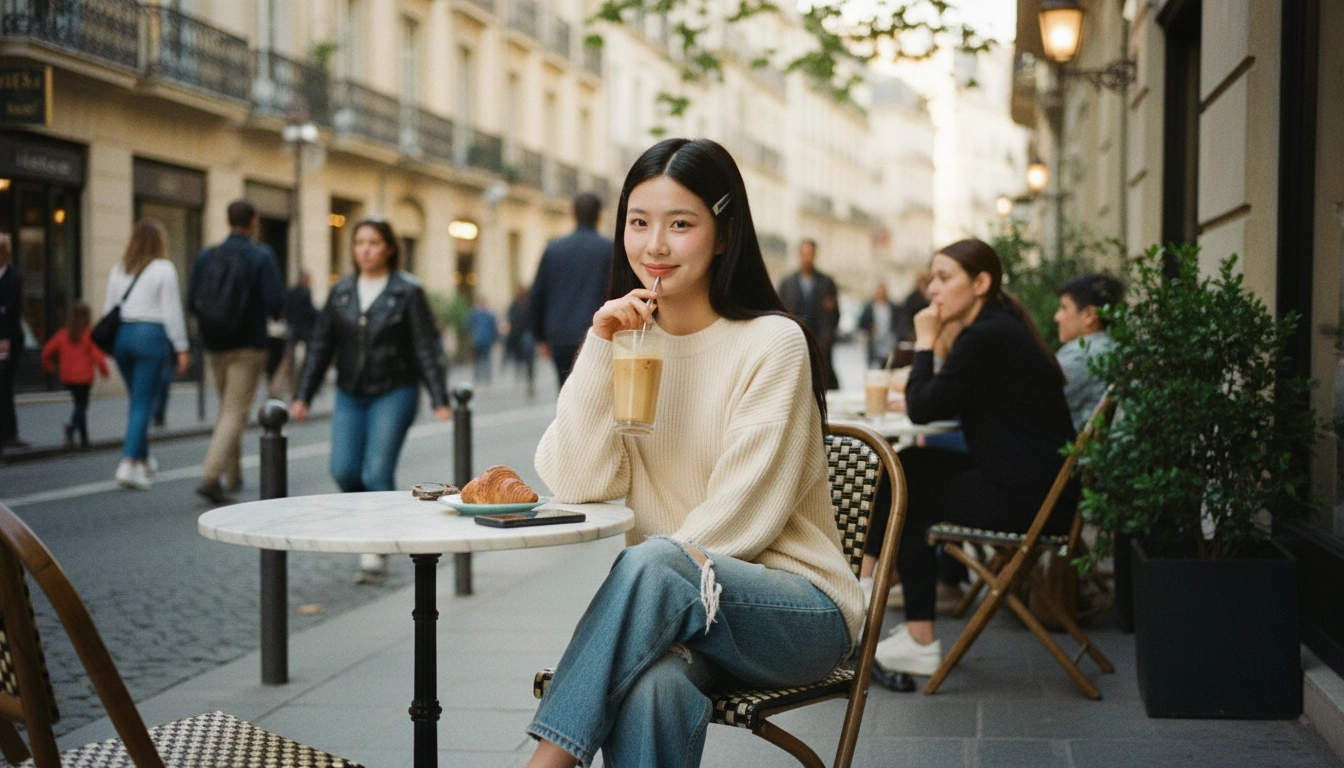
Turn portraits, product shots, landscapes, and artwork into short AI videos. Upload an image, describe the movement you want, and generate clips with natural motion, camera direction, and stronger visual depth.
 Sora
Sora Veo
Veo Wan
Wan Seedance
 Nano Banana
 GPT Image
 Seedream
 Kling
Kling Luma
Luma Runway
 Midjourney
See how prompt instructions affect facial movement, camera drift, ambient motion, and overall realism when you animate a still image.

"Animate this portrait with subtle eye movement, natural blinking, a slight head turn, soft wind moving loose hair strands, and a slow push-in camera move. Keep facial identity stable and preserve the warm afternoon light."
Start with a strong source image, add clear motion instructions, and generate an AI video that feels more alive than the original still.
Choose a photo or illustration with a strong subject and readable composition. Clean source images usually produce more stable animation and better motion detail.
Tell the model what should move and what should stay calm. Add cues for facial motion, background ambience, zoom, pan, orbit, or locked framing depending on the result you want.
Create several versions, evaluate which one keeps identity and motion most naturally, then refine the prompt to improve realism or pacing.

Turn catalog photos into short motion assets for product launches, PDPs, paid social, and marketplace creative without scheduling a new video shoot.