Grok Video Generator
Loading...
Grok Video Generator
Loading...

A practical 2026 guide to Grok Imagine. Learn what xAI's model can do today, how to prompt it well, where it fits best, and where its limits still matter.
If you search for Grok Imagine, you usually want one of three answers fast: what it actually does now, whether it is worth using for real projects, and how to get better results without wasting generations.
This guide is built for that exact job. It focuses on the current shape of Grok Imagine as of March 24, 2026, then translates that into a workflow ordinary creators and marketers can actually use.
The short version is simple: Grok Imagine is strongest when you need short, fast, social-ready AI video with native audio, or when you want to turn a still image into motion without building a full production pipeline. It is not the tool I would choose for long cinematic storytelling, ultra-clean 1080p deliverables, or projects that demand frame-perfect consistency over extended runtime.
That distinction matters, because Grok Imagine is often discussed as if it were trying to win every AI media category at once. It is not. Its real value is narrower and more practical: it compresses the distance between an idea, a reference frame, and a usable short clip.
Grok Imagine is a generative media family, not just a single text-to-video button. It covers image generation, image editing, video generation, and video editing, with native audio in supported video workflows.
That is the first thing many roundup articles miss. Grok Imagine often gets reduced to "that fast AI video thing from xAI," but the more accurate description is a media workflow stack designed for short-form creation and iterative visual editing.
Here is the most useful capability snapshot for decision-making:
| Capability | What you start with | What you get | Practical note |
|---|---|---|---|
| Text to image | A written prompt | New image output | Useful for concept frames, thumbnails, key art, and reference stills |
| Image editing | An uploaded image plus instructions | Modified image | Helpful when you want to restyle, replace, expand, or refine a frame before animation |

Join the Grok Video community
Subscribe for the latest Grok Video Generator news and updates
| Text to video | A written prompt | Short generated video | Useful when you need fast short-form output with sound built into the first pass |
| Image to video | A still image plus motion intent | Animated clip | One of the most practical Grok Imagine workflows for social and ad creatives |
| Video editing | An existing video plus instructions | Edited video output | Important if you need transformation instead of generation from scratch |
For video specifically, Grok Imagine currently supports:
1:1, 16:9, 9:16, 4:3, 3:4, 3:2, and 2:3That combination tells you exactly where Grok Imagine fits. It is built for short-form video blocks, not for minute-long narrative pieces. It is built for social placements and lightweight campaigns, not for broadcast-grade finishing. It is built for rapid concept loops, not for ultra-controlled scene continuity across many shots.
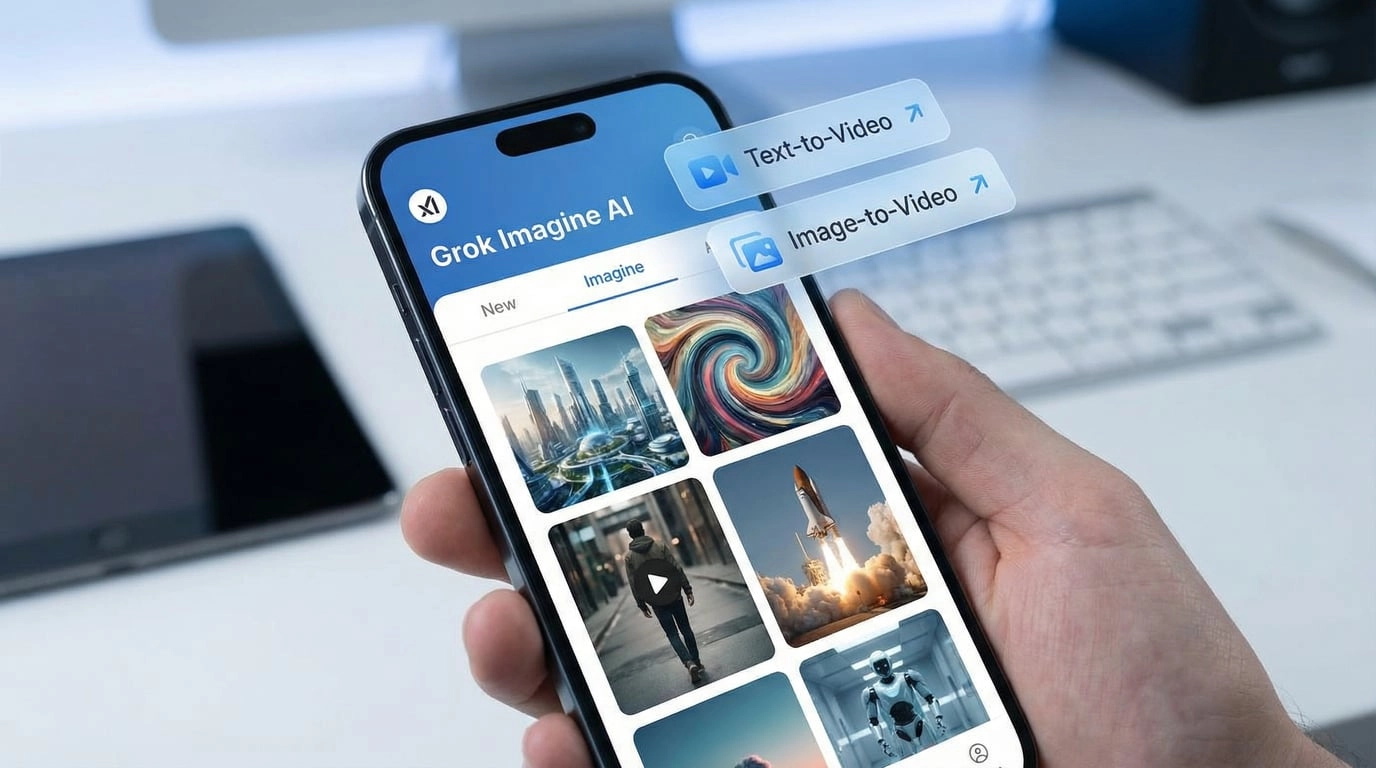
Plenty of AI tools can generate video now. That alone is not special anymore. What makes Grok Imagine feel different is the combination of speed, short-form bias, and audio-first usefulness.
Most creators do not need an AI model to make a perfect film on the first try. They need a fast way to answer practical questions like:
Grok Imagine is good precisely because it answers those questions quickly.
One of the most useful characteristics is native audio support. That sounds like a feature bullet, but in practice it changes how people evaluate a first pass.
A silent AI clip is rarely close to publish-ready. It still demands another mental translation step: you have to imagine what the scene should sound like, then decide whether the motion and mood still work once sound exists. With Grok Imagine, the first pass can already feel like a rough piece of content rather than a mute sketch.
That is especially valuable for:
This is the second important mindset shift. If you expect Grok Imagine to replace a full post-production pipeline, you will notice its limits quickly. If you use it as a creative filter for testing direction, it becomes much more powerful.
Its strongest job is not "deliver the finished masterpiece." Its strongest job is:
That is why short duration is not always a weakness. In many real workflows, a 6 to 15 second window is exactly enough to test an opening beat, a reveal, a character movement, or a mood transition.
The people who get poor results from Grok Imagine usually make the same mistake: they prompt it like an image generator from 2023. They throw in a pile of style keywords and hope motion appears by magic.
That is the wrong mental model.
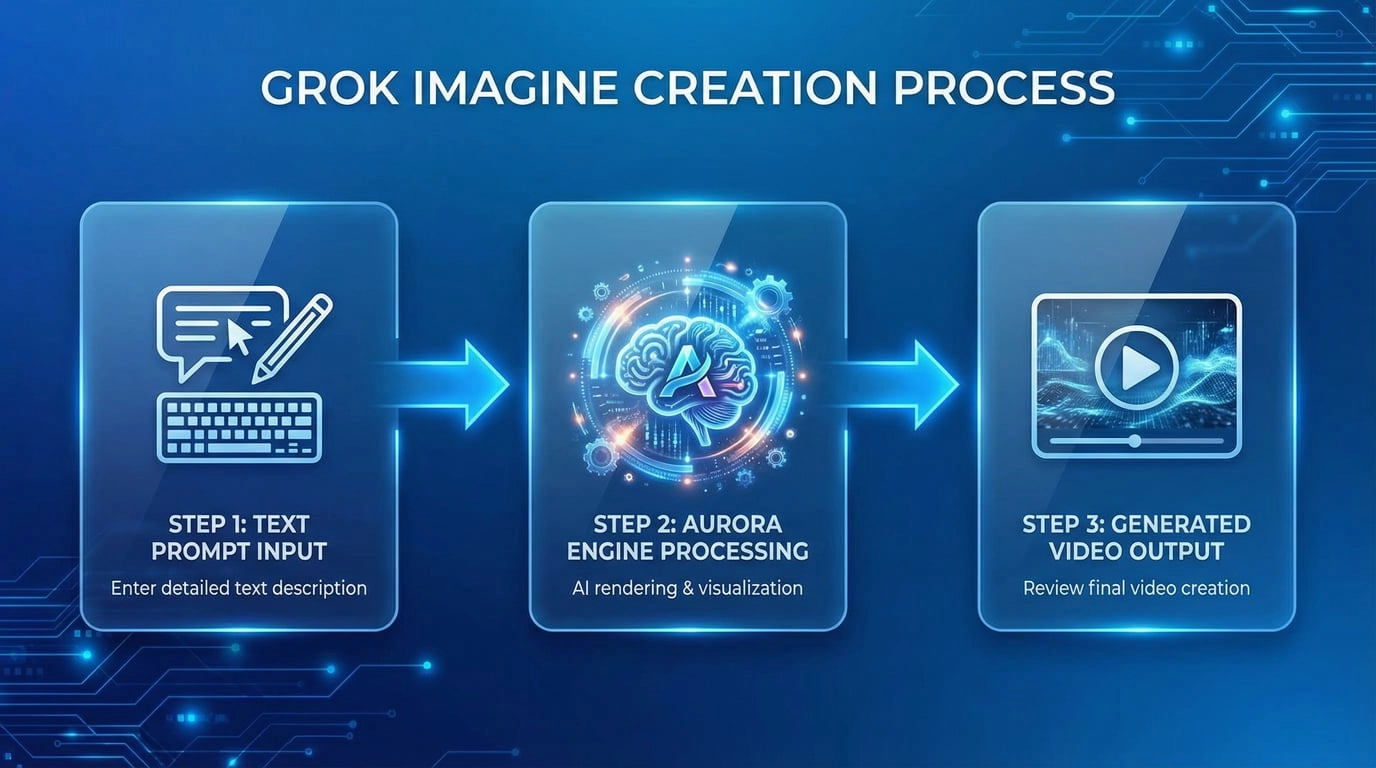
Grok Imagine responds better when you write the prompt like a mini creative brief. Instead of listing disconnected adjectives, define the scene in five parts:
Here is the framework I recommend:
Use a structure like this:
[subject] in [setting], [main action], [camera motion], [lighting/look], [sound or ambience], [format or framing constraint]
Example:
A matte-black smartwatch on wet glass, slow rotating product reveal, gentle dolly-in camera, cool rim light with deep contrast, metallic clicks and light ambient pulse, vertical short-form ad composition
Why this works:
Do not force every idea through text-to-video.
Use text-to-video when:
Use image-to-video when:
In practice, image-to-video is often the better commercial workflow. It gives you more control over identity, layout, and composition before movement is introduced.
Because Grok Imagine is optimized around short clips, it helps to think in beats rather than full stories.
A strong short-form beat might be:
A weak prompt tries to describe an entire 30-second concept in one generation. That usually creates muddy results because too many events compete for a very short runtime.
When improving a result, avoid rewriting everything.
Change only one major dimension per pass:
That makes it much easier to understand what actually improved the output.
If your job is making long narrative videos, Grok Imagine is not the obvious first choice. But if your job is shipping a lot of creative ideas quickly, it becomes much more compelling.
These are the use cases where it makes the most sense:
This is arguably the best fit. You can turn ideas into short animated samples fast, compare multiple hooks, and find the one worth polishing.
Good examples:
If you already have a poster frame, product render, character design, or key visual, image-to-video is one of the cleanest ways to get motion without rebuilding the entire asset stack from scratch.
This is especially useful for:
Before you pay for a full shoot or a more expensive AI production workflow, Grok Imagine can help validate:
That reduces wasted downstream effort.
Because the model family spans image generation, image editing, and video generation, you can keep more of the exploration inside one conceptual system. That matters if you want a hero still, a supporting image, and a short animated version to feel related.
If you want a cleaner way to work through that flow in the browser, Grok Video Generator gives you a direct Grok Imagine entry point for text-to-video and image-to-video without handling raw API calls, manual job polling, or separate upload logic.
This is where most superficial reviews become unhelpful. They either pretend the limits do not matter, or they reduce the model to those limits alone. The right approach is to understand the limits in context.
Here are the ones that matter most.
Up to 15 seconds is excellent for hooks, reveals, loops, and concept tests. It is not enough for complex narrative progression. If your idea depends on story development across many beats, you will either need multiple generations or a different class of tool.
For mobile-first viewing, ads in testing, prototype assets, and landing-page motion, 720p can be perfectly usable. For premium final delivery, large screens, or teams that expect heavy post-crop flexibility, the ceiling becomes more noticeable.
This is true across AI video generally, and Grok Imagine is not exempt. Character details, hands, secondary objects, and background coherence can drift. The shorter the scene and the simpler the action, the better your odds.
Native audio is a real advantage, but you should still treat first-pass sound as creative validation, not automatically as final sound design. Sometimes it will be surprisingly usable. Sometimes it will simply tell you whether the emotional direction is right.
Consumer-facing availability, quotas, and plan boundaries move more often than the model's documented technical envelope. That means you should separate two questions:
Those are related, but not identical.
You do not need a giant benchmark spreadsheet to decide whether Grok Imagine is the right fit. You need a clean workflow decision.
| If your priority is... | Grok Imagine fit | Why |
|---|---|---|
| Fast social-ready ideation | Excellent | Short duration, rapid iteration, and native audio make first passes more useful |
| Animating a still image you already like | Excellent | Image-to-video is one of the clearest practical use cases |
| Testing multiple ad hooks cheaply and quickly | Strong | You can explore more directions before committing budget elsewhere |
| Long narrative storytelling | Weak | The duration ceiling becomes restrictive fast |
| Broadcast-grade final delivery | Weak to moderate | 720p may be enough for testing, but not always for final output |
| Highly controlled multi-shot continuity | Moderate at best | It works best on simpler, shorter, more contained scenes |
| Mood, pacing, and concept validation | Strong | This is where speed beats perfection |
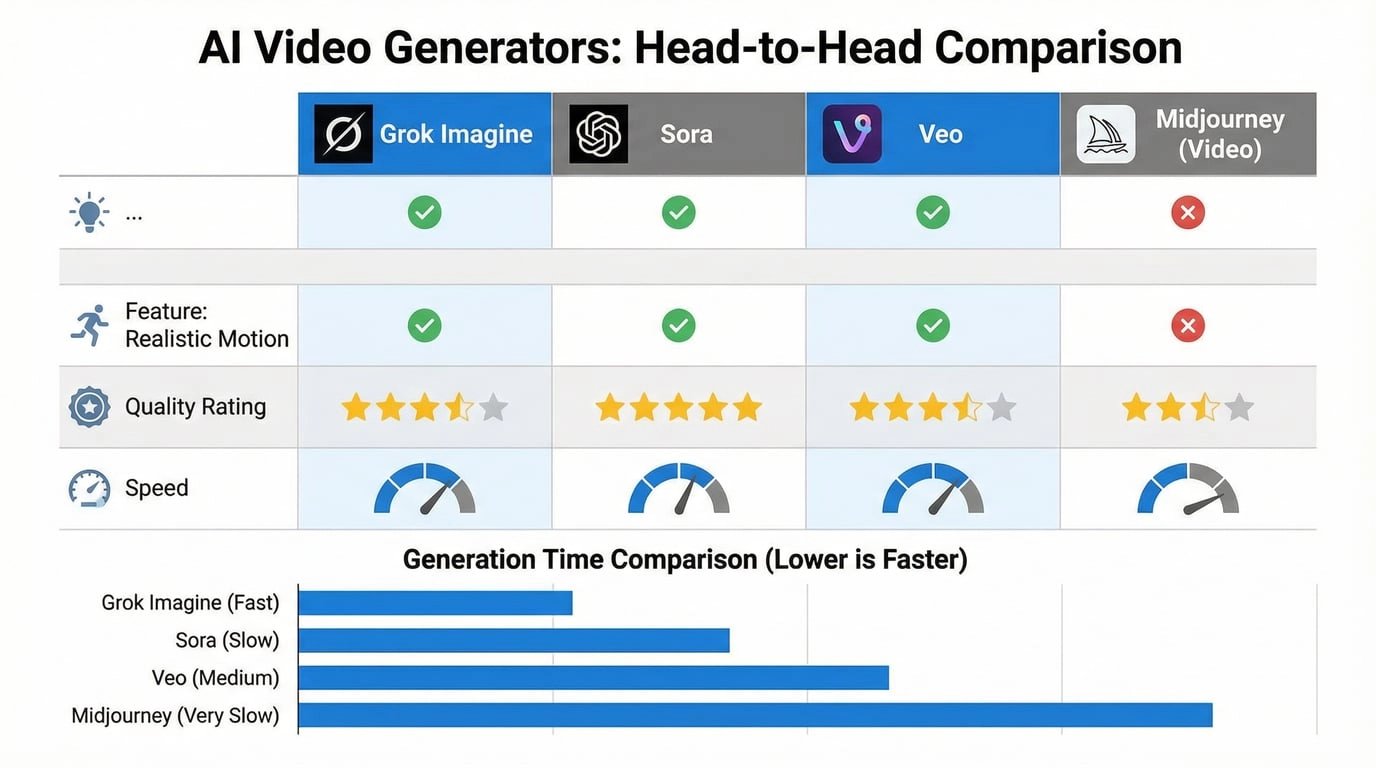
That table is really the whole story. If you need fast idea validation, Grok Imagine is very good. If you need long-form, high-resolution, continuity-heavy execution, it is usually a stepping stone rather than the finish line.
If you want better outputs immediately, avoid these errors:
Do not stop at "beautiful cyberpunk city at night." Add movement, camera logic, and sound context.
Keep the scene to one dominant idea. Short clips get stronger when the action is concentrated.
If you know the asset is for vertical short-form, say so. Composition changes when the intended frame changes.
Start simple, then layer sophistication. A clean first pass is easier to improve than a chaotic prompt that tries to do everything.
Grok Imagine is best used as a loop:
That mindset gets much better results than expecting perfection from attempt one.
Grok Imagine is a strong fit for:
It is a weaker fit for:
No. Grok Imagine is a broader model family that includes image generation, image editing, video generation, and video editing. That broader scope is one reason it works well as a short-form creative workflow rather than a single isolated feature.
Yes. Native audio is part of supported video generation workflows, and that is one of the biggest practical reasons the model stands out for fast social creation.
Grok Imagine currently outputs video up to 15 seconds.
Grok Imagine currently supports 480p and 720p options for video generation. Whether that is enough depends on whether you are validating a concept or delivering a final production asset.
Yes. For many real teams, image-to-video is more useful than pure text-to-video because it lets you lock the visual anchor first, then animate from a more controlled starting point.
It can be, especially if you keep prompts concrete and short. The easiest way to start is not with abstract "make something cool" prompts, but with a simple subject, one action, one camera move, and one sound cue.
Grok Imagine is not the universal winner of AI video generation, and it does not need to be.
Its value is much more practical than that. It gives creators a fast way to move from idea to motion, from still frame to animated proof, and from vague concept to something concrete enough to judge. The native-audio layer makes first passes more useful. The short-form bias makes it naturally aligned with social and marketing work. The broader media family makes it more than a one-button novelty.
If you judge it by long-form cinema standards, you will mostly see what it lacks. If you judge it by how quickly it helps you discover a usable visual direction, you will understand why it keeps attracting attention.
That is the right frame for Grok Imagine in 2026: not the final word in AI video, but one of the fastest ways to find out whether an idea deserves to become one.